Understands the task
Clarifies the goal and what done means.
 Ellami
From idea to working product.
An AI development environment, models, API and CRM — connected in Ellami.
One connected workspace
Ellami IDE
Ellami helps your agent understand the goal, keep context and carry the work through verification. Code, tools and your whole project in one window.
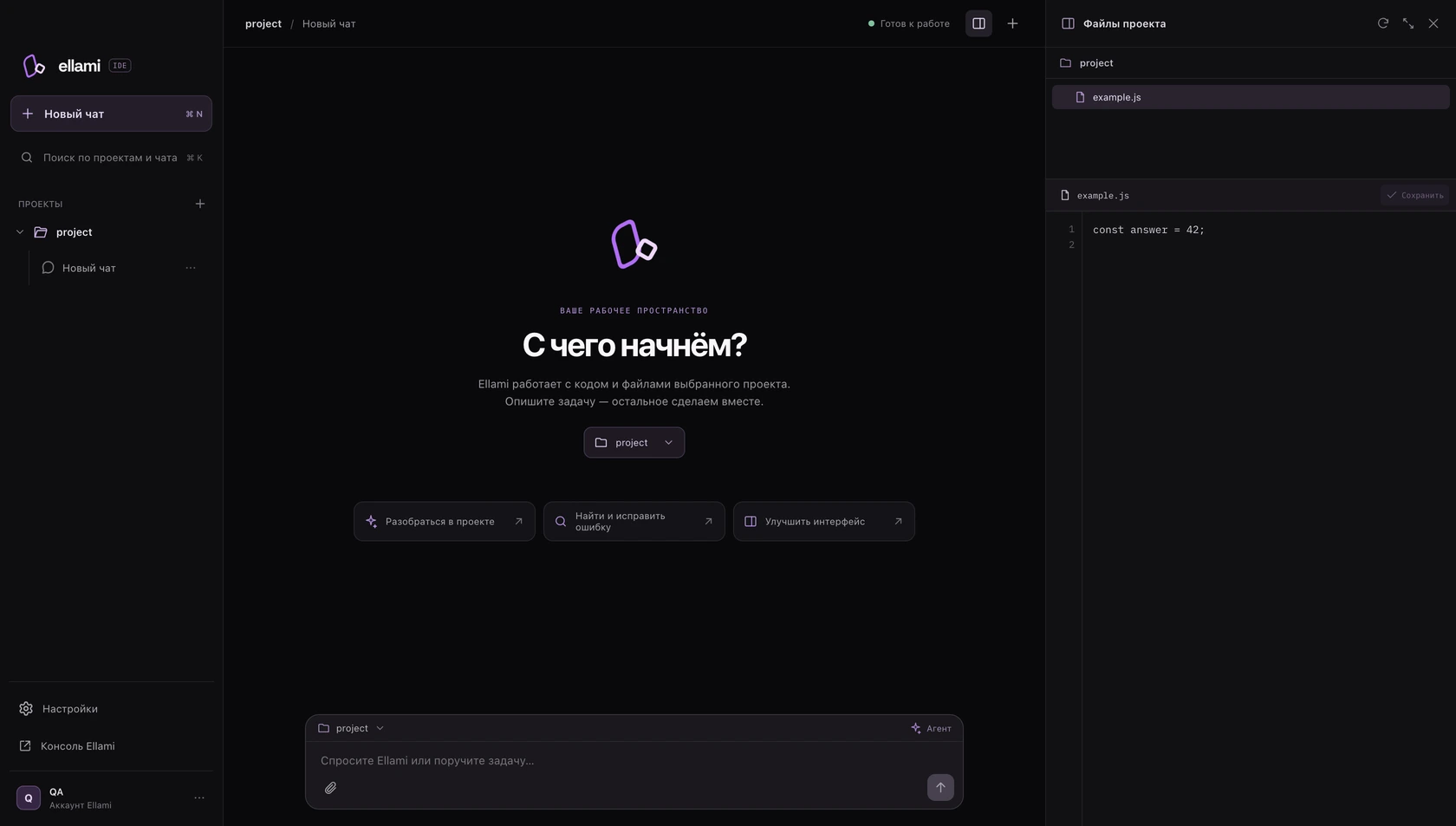
Clarifies the goal and what done means.
Uses files, terminal and browser.
Checks the outcome against your task.
Ready from the start
No assembling tools piece by piece. Ellami automatically brings in the skills for design, development and verification.
How skills workThe agent clarifies the goal, gathers context and turns your idea into an interface that makes sense.
Built-in guidance covers architecture, APIs, databases and the code already in your project.
The agent runs checks, inspects the interface in a browser and fixes the problems it finds.
Ellami API
An assistant in your SaaS. Answers on your website. Automation for your team. One Ellami key connects your ideas to AI models.


The agent creates an Ellami key, adds it to your project environment and sets up the integration. You keep building your product.
Read the API docsconst response = await fetch(
"https://www.ellami.pro/api/ellami",
{
method: "POST",
headers: {
Authorization: `Bearer ${process.env.ELLAMI_KEY}`,
"Content-Type": "application/json"
},
body: JSON.stringify({
ellami_model: "gpt-6-luna",
messages: [{ role: "user", content: "Hello, Ellami" }]
})
}
);The choice is yours
Choose the intelligence that fits the task. Work in Ellami
or connect models to your own applications through the API.
GPT-6 Luna · Sol · Astra
Sonnet 5 · Opus 5.5
Qwen3.8 · Qwen3 Coder

Gemini 3.8 Flash

DeepSeek V4.1 Flash
Model families in the AITUNNEL catalog. Available selections and setup are in the documentation.
Ellami CRM
Connect your site or app to CRM and track customers, deals and events.
Workspace
Product overview
Customers and interaction history
Subscriptions and product metrics
Transparent pricing
Pay for model usage. See the tokens consumed and the cost of the work. No waiting for a weekly quota to reset.
How usage is calculatedChoose your amount. Start creating.
Good to know
Ellami is an ecosystem for building digital products. The development environment combines an agent, editor and built-in skills. The API connects AI to your app, CRM brings customers and metrics together, and the console manages keys and usage.
No. The skill library is already connected. Ellami selects the guidance your task needs and loads it automatically.
Choose an amount starting at $3. Usage depends on the model and amount of work, and is shown in the console. 1,000,000 Ellami tokens equal $1 of balance. This is an accounting unit, not one million model input or output tokens.
Pay-as-you-go has no five-hour, five-day or weekly usage quota: requests are charged to your balance. You can set your own key limit. Model and request constraints are described in the documentation.
Yes. Create a key in the console and send requests from your server. The docs include JavaScript, Python and cURL examples, model selection and error handling.
The current installer is for Intel Macs. Installation instructions and a CLI option are available in the docs.